Export voting results
Download a single voting matter's results as an Excel spreadsheet.
Export a voting matter
-
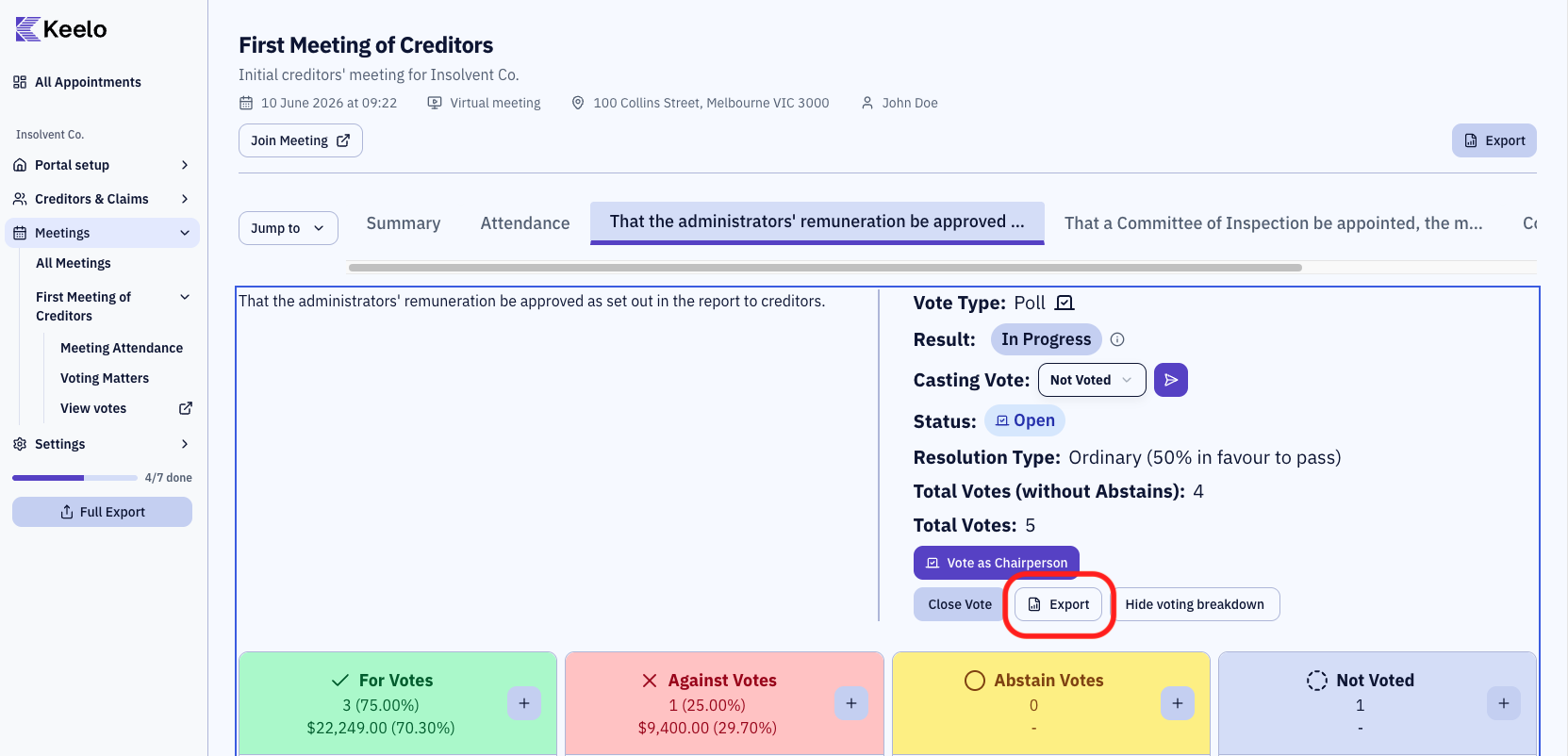
Navigate to the voting matter on the Voting Dashboard. See During the Meeting for help.
-
Click Export on the voting matter's control panel.
What's in the export
The spreadsheet covers just this voting matter:
- Summary — result (Pass / Fail / Deadlock / Objected), whether a related party's vote was decisive, casting vote details, percentage required to pass, total vote counts
- Per-matter votes — each vote cast: voter name, email, vote direction, vote value (for polls), proxy details, and timestamp
Export all votes for a meeting
To bundle every voting matter for a meeting (plus attendance and proxy forms) in one ZIP, see Export meeting data.