Add FAQs
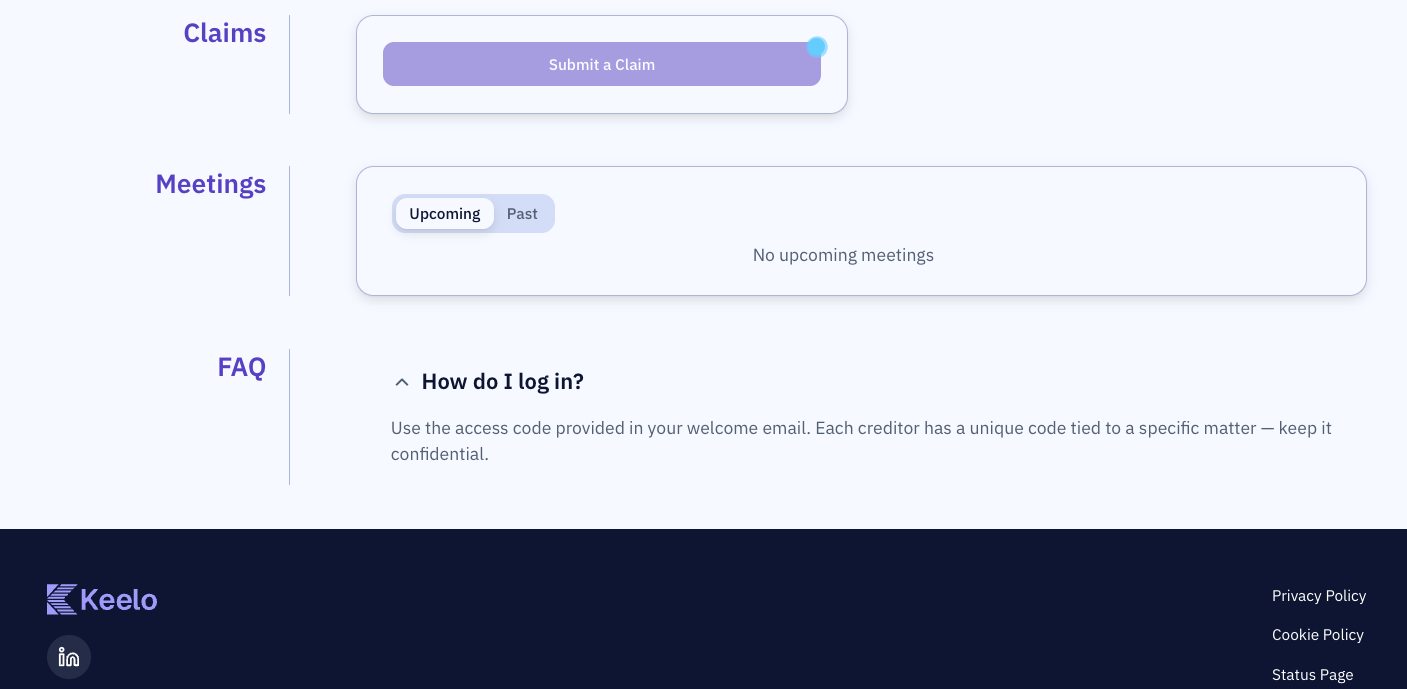
Add Frequently Asked Questions to the appointment so creditors can self-serve common queries from the portal. FAQs render as an expandable list on the creditor portal homepage.
Before you begin
- You need Editor access to add, edit, or delete FAQs.
Steps
-
Go to the Portal setup page.
-
Scroll to the Frequently asked questions (FAQs) card.
-
Click Add FAQ.
-
Enter the Question and Answer in the dialogue.
-
Click Save. The FAQ is now available on the creditors' portal.
FAQs available on creditors' portal:
Editing and deleting FAQs

- Click the pencil icon on an FAQ row to edit it in place.
- Click the trash icon to delete it. You'll be asked to confirm.