Change appointment details
After an appointment is created you can still update its company, firm, correspondence details from the General settings page. This is the page to use when a typo needs fixing, an appointee changes, or the firm's contact details need updating.
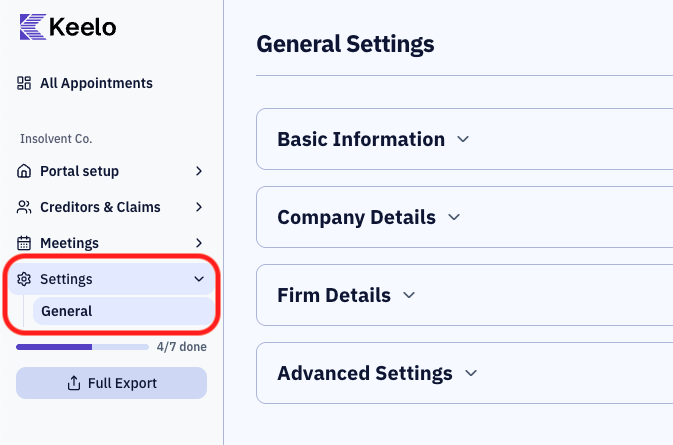
Before you begin
- You need Editor access to change appointment details.
Editable fields
| Field | Notes |
|---|
| Appointment Company | The insolvent company's name |
| Appointment Type | Voluntary Administration or Liquidation |
| Appointment Date | The date of the insolvency appointment |
| Submission Deadline | The deadline by which creditors must submit their claims. This appears on the creditor portal and on PoD requests. |
Company details
| Field | Notes |
|---|
| ABN | 11 digits |
| ACN | 9 digits |
| Street | Registered office street address |
| City / State / Postcode / Country | Registered office location |
| Phone | Company phone |
| Email | Company email |
Firm details
| Field | Notes |
|---|
| Appointees | Multi-select of practitioners assigned to the appointment (minimum one required) |
Correspondence details
The firm's address, email, phone, and fax used for appointment correspondence (shown to creditors on the portal and on outgoing emails).
| Field | Notes |
|---|
| Street | Firm's correspondence street address |
| City / State / Postcode / Country | Firm's correspondence location |
| Email | Firm's correspondence email |
| Phone | Firm's correspondence phone |
| Fax | Firm's correspondence fax |