Review claims
The Claims dashboard is where you triage submitted claims, view the evidence creditors have uploaded, and decide what to admit.
Before you begin
- You need Editor access to review claims. Viewers can see the claims but cannot assess them.
The layout
| Area | What it shows |
|---|---|
| Creditor table (top) | Tabbed list of every creditor on the appointment. Click a row to load that creditor into the panels below. |
| Left panel | The PoD document — the Formal PoD PDF if one exists, otherwise the Informal PoD. Rendered inline. This was automatically generated when the creditor submitted their claim. |
| Middle panel | The currently-selected supporting document (supports PDFs and images). |
| Right panel | Supporting documents list + the assessment panel. |
Switching between creditors
The creditor table at the top is split into tabs. Each tab shows a count badge of how many creditors fall into that bucket.
| Tab | What it filters to |
|---|---|
| All | Every creditor on the appointment |
| Pending Review | Creditors whose claim has been submitted but not yet assessed — your main work queue |
| Flagged | Claims flagged for internal review |
| Insufficient info | Claims sent back to the creditor asking for more information |
| Rejected | Claims rejected |
| Reviewed | Claims that have been admitted (for voting, dividends, or both) |
| Not received | Creditors who haven't submitted a claim yet |
Use the search box at the top of the table to filter by name or email.
Auto-advance
The Auto-advance toggle at the top-right of the assessment panel is on by default. When on, finishing an action (admit / reject / request info / flag) automatically jumps you to the next creditor in the active tab — so working through Pending Review feels like a queue rather than constant clicking back to the table.
Turn it off if you want to stay on the current creditor after each action.
Unsupported file types
Only PDF files and images are supported in the supporting document panel. For other files, download the creditor's claim to review.

Creditor's view
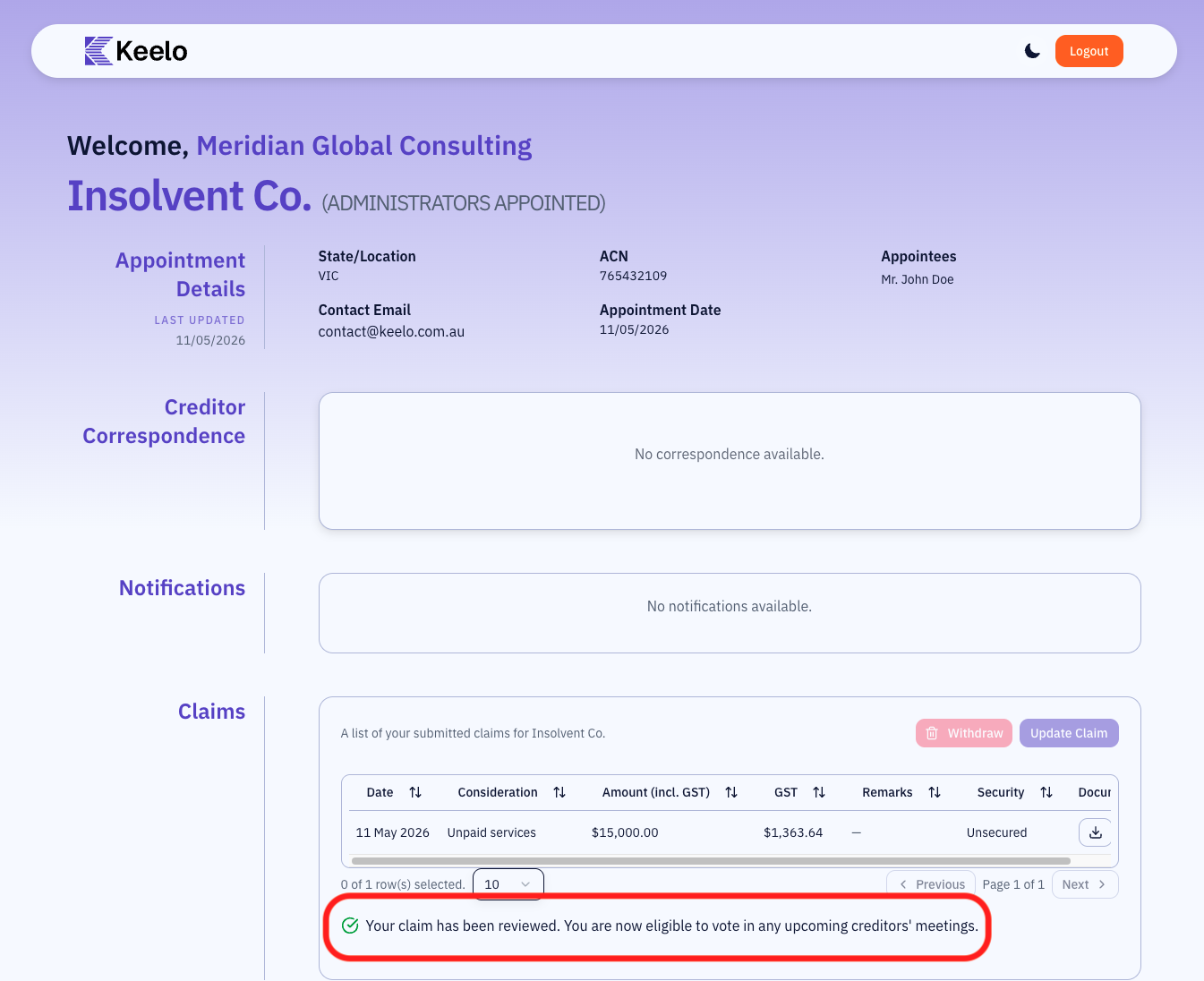
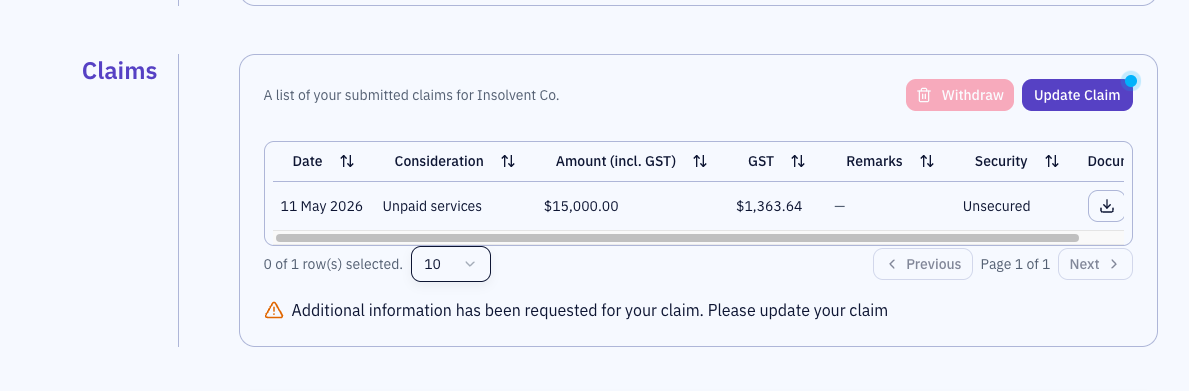
Once a creditor's claim is assessed, they can see the status of their claim in their portal.
Requesting more information from a creditor:
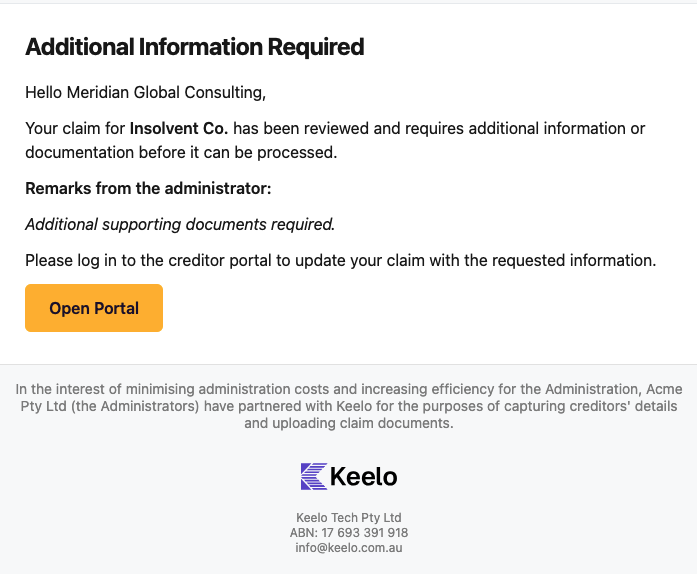
Additional info. request email